AimbotX2
Web developer & Minecraft co-developer
Builds the Bangla SMP website and helps develop the Minecraft server.
Minecraft skin unavailable.

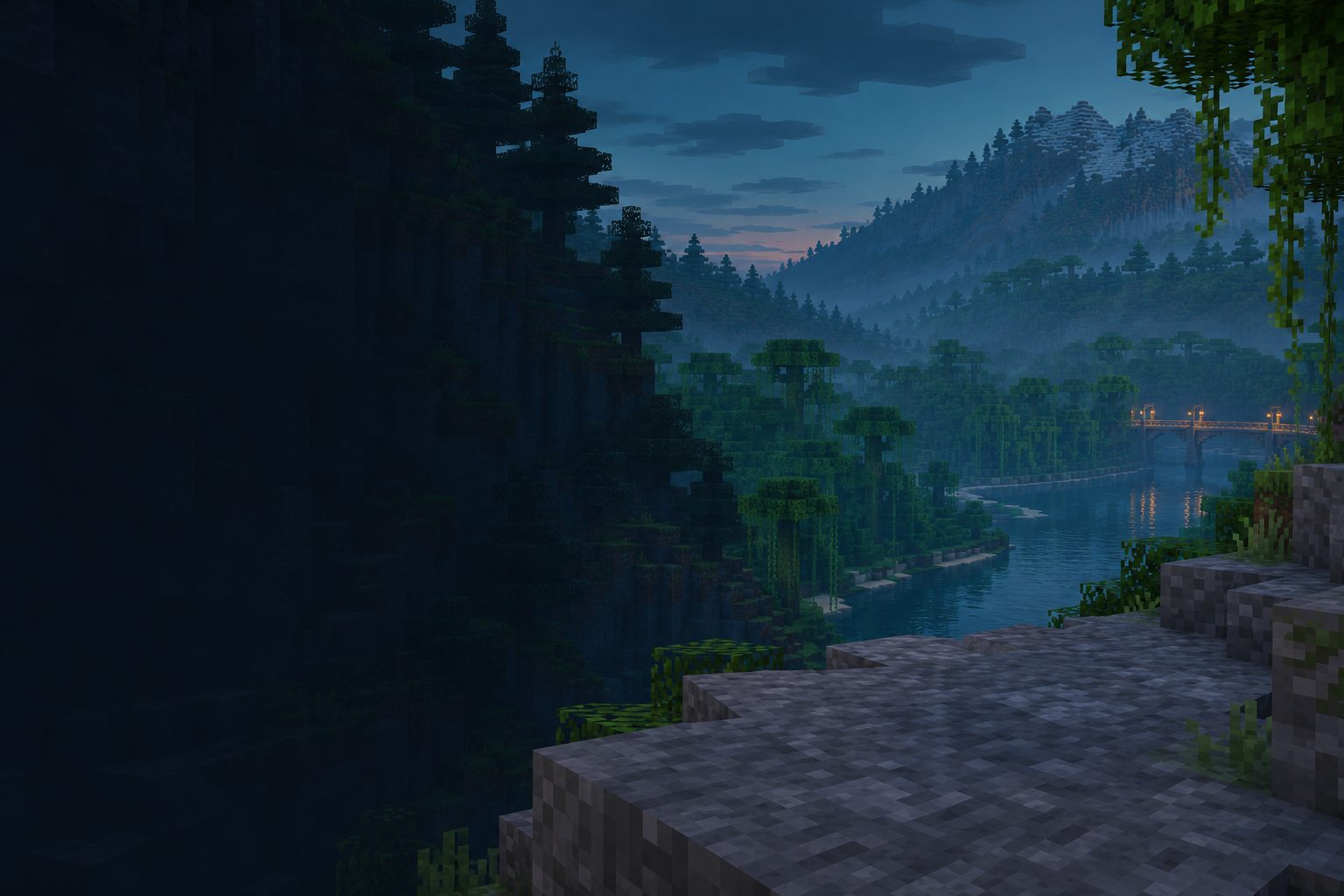
Explore the Overworld, build a base, and trade with friends on Java and Bedrock.
The people behind Bangla SMP.
Web developer & Minecraft co-developer
Builds the Bangla SMP website and helps develop the Minecraft server.
Minecraft skin unavailable.
Owner
Runs Bangla SMP alongside SB_ARIF_AB, bringing Java and Bedrock players into one survival world.
Minecraft skin unavailable.
Owner & YouTube creator
Runs the server with xpa_arpit and publishes videos under the name SBARIFAB.
Visit YouTube channelMinecraft skin unavailable.
Events and updates from the Bangla SMP team.
Find your connection details, learn how bases work, and set up your website profile.
Read the server rulesFrom the Java Edition main menu, go to Multiplayer → Add Server. Use play.banglasmp.net as the server address, then select the server and join.
Open Play → Servers → Add Server. Enter play.banglasmp.net and port 19132. Java and Bedrock players share the same survival map.
Build away from busy routes, hide your storage, and share coordinates only with players you trust.
You can join with the standard Minecraft client. Check the server rules before using mods that change how you play.
It looks up a Java username and saves your chosen skin to this browser. To join the server, connect from Minecraft using the server address.